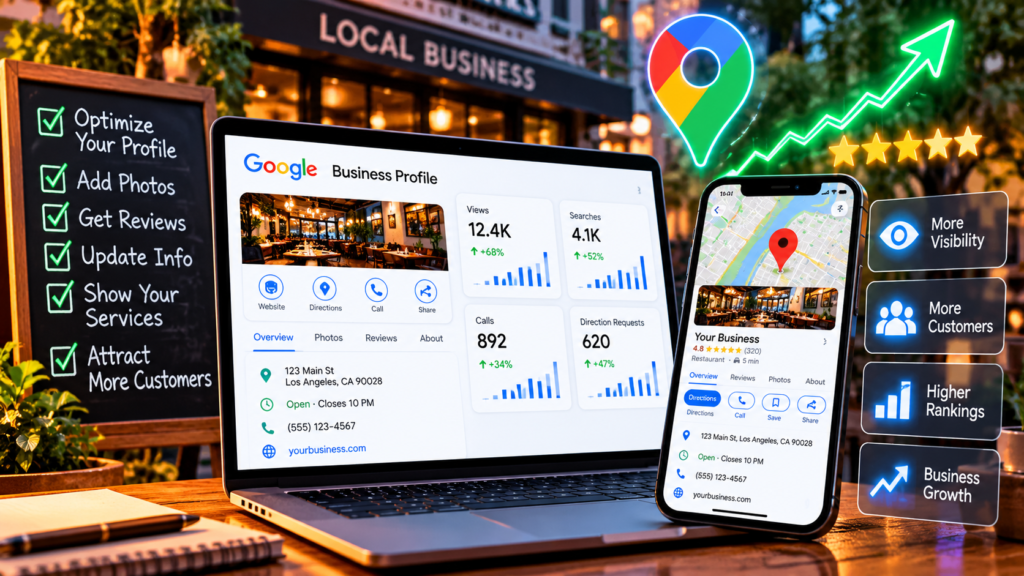
When customers search for a local business, they often want immediate answers: Where is it located? Is it open? What services does it offer? How can they contact it?
A well-maintained Google Business Profile helps provide those answers and can support your local online presence.
Here are practical steps to improve your profile.
- Complete your business information
Make sure your business name, address or service area, phone number, website, and hours are accurate.
Choose the most appropriate primary business category and add relevant additional categories when they genuinely describe your business.
Keep your information consistent with your actual business operations. Do not add keywords to your business name unless they are genuinely part of its real-world name.
- Describe your services clearly
Use the available services and business description fields to explain what you offer.
Be specific about your products or services, the customers you help, and what makes your business useful.
Avoid stuffing the description with repeated keywords. Clear information helps potential customers understand whether your business meets their needs.
- Add current, authentic photos
Photos can help customers understand what to expect before visiting or contacting you.
Depending on your business, consider adding images of your location, products, team, completed work, or other relevant aspects of your services.
Use genuine, high-quality images and update them when your business changes.
- Develop a process for customer reviews
Ask customers to leave honest reviews after genuine interactions with your business.
Respond to reviews professionally, including negative feedback. Where appropriate, acknowledge concerns and offer a practical way to resolve them.
Avoid fake reviews, review manipulation, and incentives tied to positive ratings.
- Keep your profile active and accurate
Review your opening hours, holiday hours, service information, and contact details regularly.
Where available and relevant, use profile features such as posts, offers, products, or appointment links to share useful information with potential customers.
The features available may vary by business category.
- Measure whether your profile is helping
Review the performance information available in your Google Business Profile. Depending on eligibility and reporting availability, this may include customer interactions such as calls, website clicks, and direction requests.
Compare performance over time and look for opportunities to improve the information customers see.
Remember that profile optimization does not guarantee a particular ranking. Google considers multiple factors when determining local search results.
Need help improving your online presence?
Managing your business profile is one part of a broader digital marketing strategy. Your website, customer reviews, service pages, and overall online reputation can all contribute to how customers discover and evaluate your business.
IdeaFlicker helps businesses explore digital marketing and online growth services.
Visit IdeaFlicker.com to learn more about our services and discuss your business goals.